The AXIS Flight School Draw Generator is now available to the public! Just visit the AXIS home page and scroll to the bottom menu. The Draw Generator is located in the second column, just above the Skydiving References link. Enjoy!
First screen – enter the event name, date, and select your discipline and devision. You will notice that the generator will include or omit the formations that are found in your selected division. Then click Generate.

Second screen – displays your custom draw
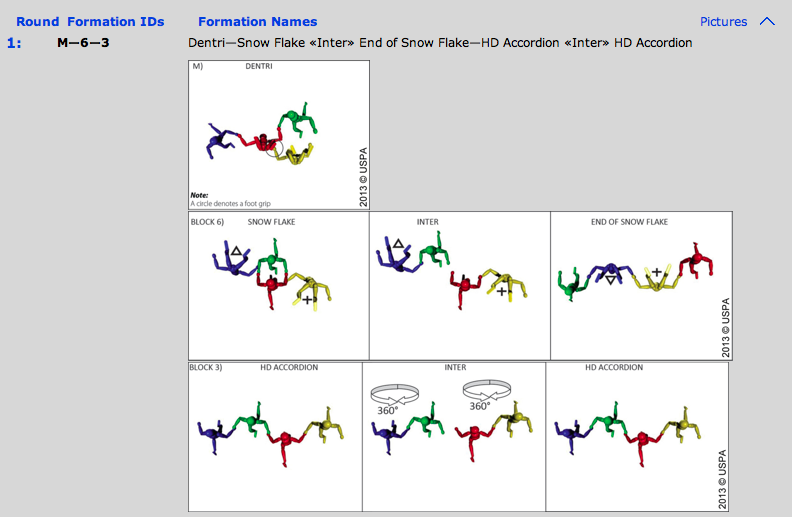
 Click “Pictures” in the top right corner to view images of the individual moves
 Click Generate PDF (top right corner) for a print friendly version and to share it with your team. If you have any questions of suggestions please send them to Info@AXISFlightSchool.com
 The Drop
Leave a comment